
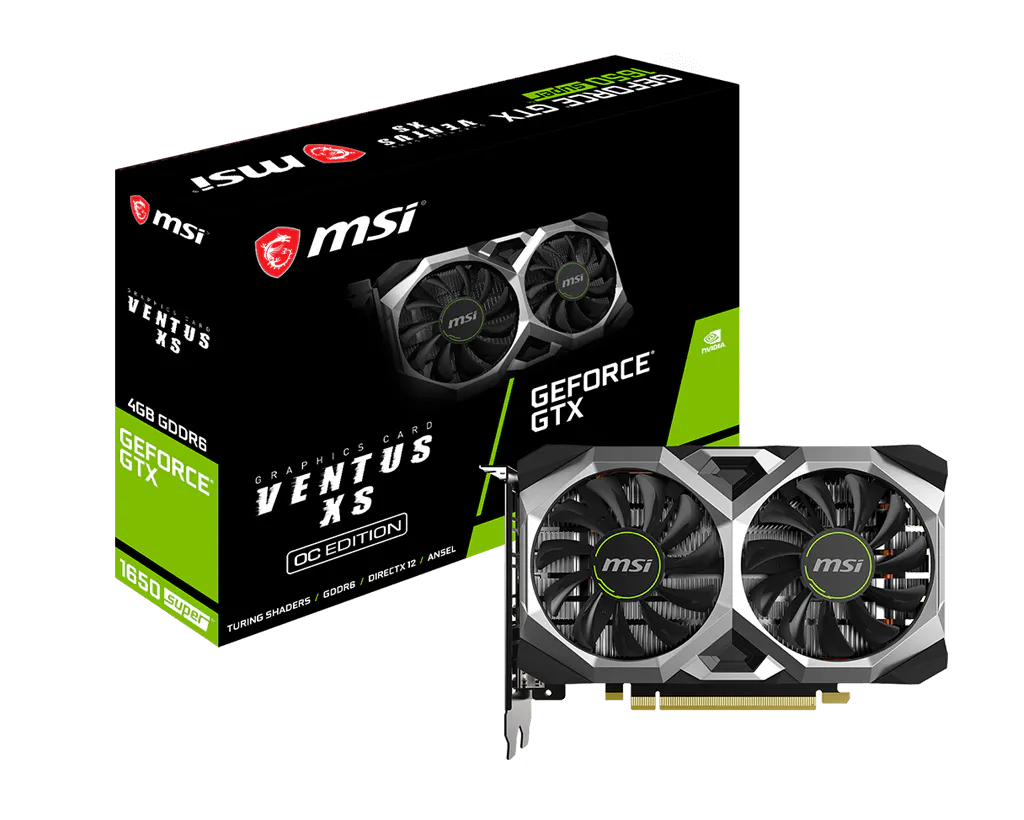
NVIDIA · Graphics card
GeForce GTX 1650 Super
At a glance
- Graphics memory
- 4 GB
- Memory type
- GDDR6
- Architecture
- Turing
- Memory bus
- 128 bit
- Graphics power
- 100 W
- PCIe support
- PCIe 3.0
THE DETAILS
General specifications
Model information
| Series | GeForce GTX 16 series |
|---|---|
| Chip model | TU116-250-KA-A1 |
| Release | 2019-11-22 |
| Architecture | Turing |
| Manufacturer | NVIDIA |
Memory & storage
| Graphics memory | 4 GB |
|---|---|
| Memory type | GDDR6 |
| Memory bus | 128 bit |
Connections & compatibility
| PCIe support | PCIe 3.0 |
|---|
Power
| Graphics power | 100 W |
|---|
Processing
| Base clock | 1.53 GHz |
|---|---|
| Boost clock | 1.725 GHz |
Size & fit
| Memory bandwidth | 192 GB/s |
|---|
Features
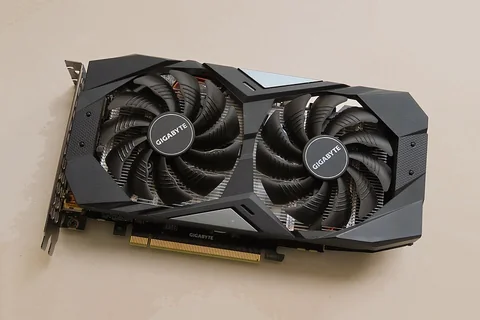
| Reference design note | Reference GPU specifications; partner cards can differ in clocks, size, cooling and connectors. |
|---|
Only supplied specifications are shown. Confirm the exact variant and required compatibility checks before buying.
Other published NVIDIA models
Same category and brand; these are navigation alternatives, not performance or compatibility recommendations.
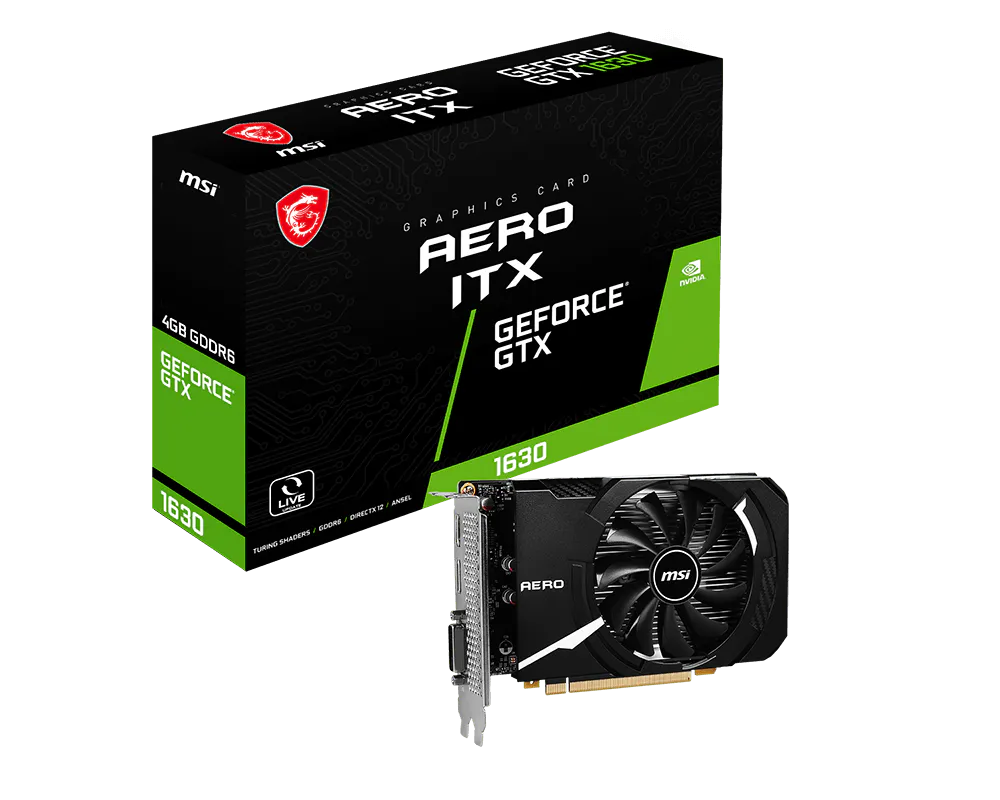
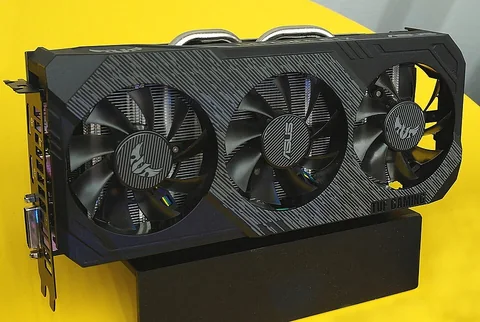
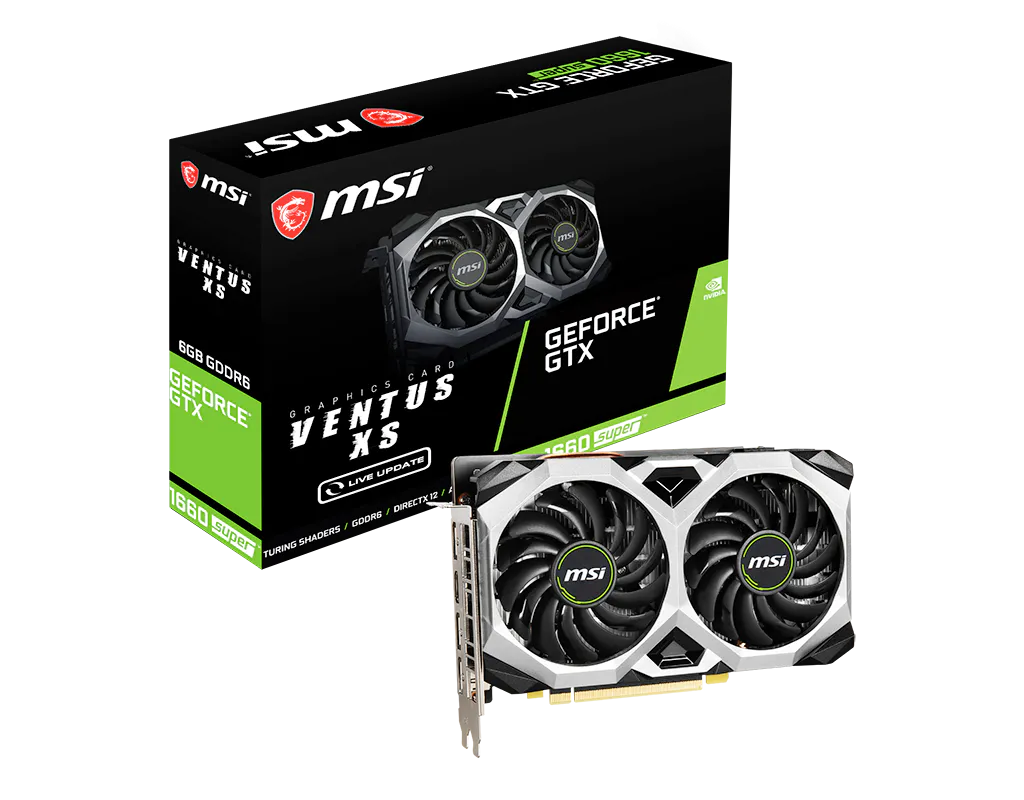
Explore the platform, related parts & guides
Explore this product in context
Same socket, architecture or series
These are matching listed labels, not a performance ranking.
- GeForce GTX 1630 · verified 2026-10-09
- GeForce GTX 1660 · verified 2026-10-09
- GeForce GTX 1660 Super · verified 2026-10-09
- GeForce GTX 1660 Ti · verified 2026-10-09
- GeForce RTX 2060 · verified 2026-10-11
- GeForce RTX 2060 Super · verified 2026-10-09
Check the exact graphics-card variant
A GPU model or chip name is not a complete retail card identity. Memory capacity, board dimensions, slot thickness, connector requirements and cooling can vary between partner cards.
Before choosing parts
- Use the exact manufacturer card code before comparing dimensions or power connectors.
- Check installed GPU clearance with front fans and radiators in place.
- Treat VRAM capacity as a resource, not a performance ranking.
Plan a build · Check selected parts · Browse platforms and brands
Back to GPU catalog · Compare hardware · Add to build / check compatibility