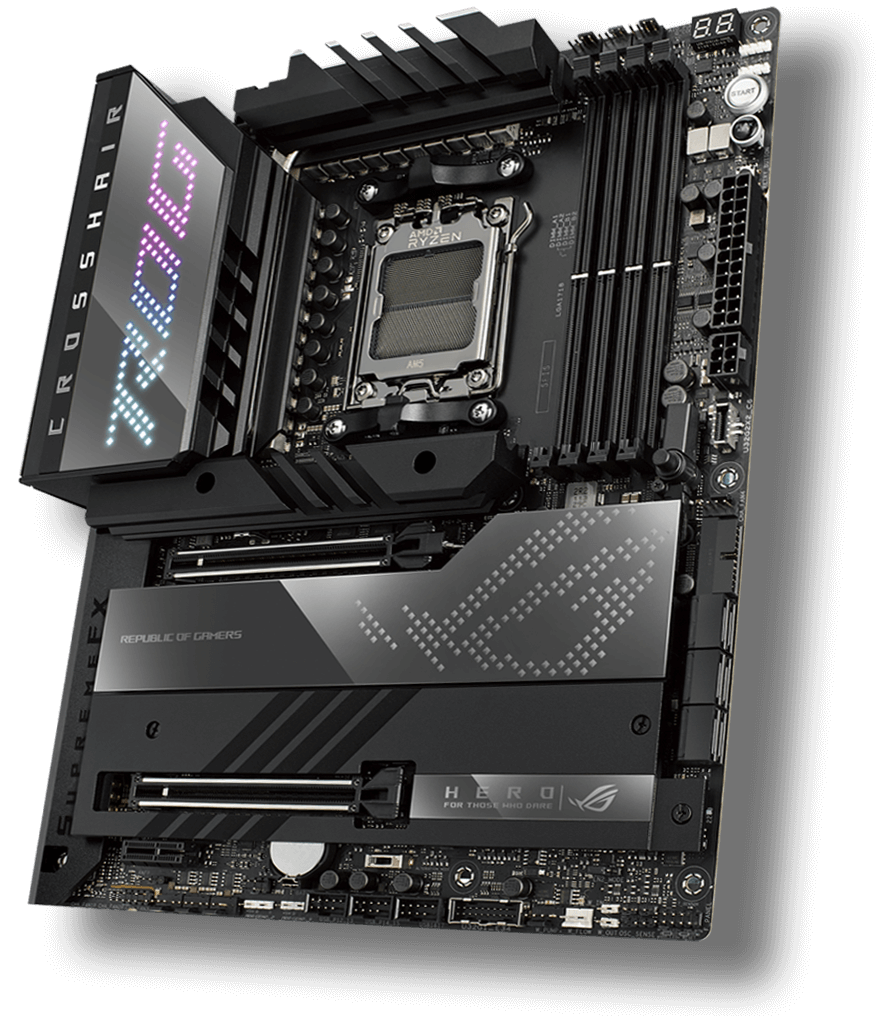
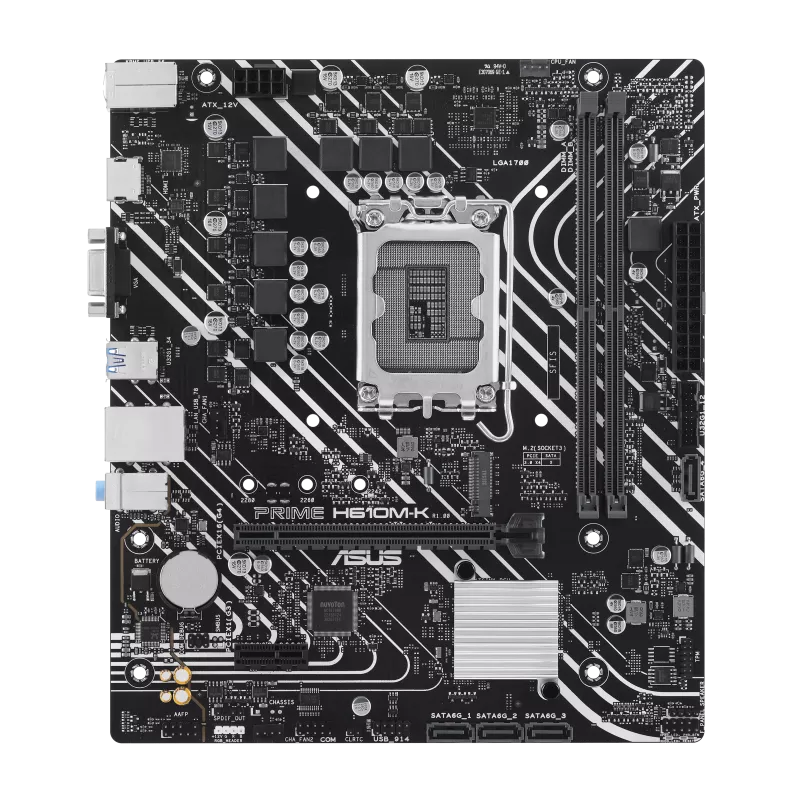
ASUS ROG Crosshair X670E Hero · Connections & compatibility
Socket
AM5
Chipset
AMD X670
Main pcie slots
2Two physical x16 slots. With Ryzen 8000 processors, only the first slot is available.
PCIe generation
2 x PCIe 5.0 x16 physical slots; x16 or x8/x8 with Ryzen 9000/7000Ryzen 9000/7000: PCIe 5.0 x16 or x8/x8. Ryzen 8000: PCIe 4.0; the first slot supports x8 with 8700/8600 or x4 with 8500/8300.
Features
ASUS ROG Crosshair X670E Hero · Features
M.2 slots
5
SATA ports
6
Size & fit
ASUS ROG Crosshair X670E Hero · Size & fit
Form factor
ATX
Memory & storage
ASUS ROG Crosshair X670E Hero · Memory & storage
Memory slots
4
Maximum memory
192 GB
Memory generation
DDR5
Only supplied specifications are shown. Confirm the exact variant and required compatibility checks before buying.
Other published ASUS models
Same category and brand; these are navigation alternatives, not performance or compatibility recommendations.
Socket and memory generation are useful starting points. They do not confirm support for every processor, memory kit or case. Firmware observations are narrower than a complete manufacturer specification.
Before choosing parts
Read the CPU support list and minimum BIOS for the exact board revision.
Check DIMM type, supported kits and installed module count.
Verify case mounting, storage lane sharing and the connectors you need.